

Ctrip / Trip.com
Why You Need It
Trip.com (formerly Ctrip) is the only major travel booking platform in China that is fully English-language, accepts international credit cards, and filters hotels to show only those legally permitted to host foreign guests. Without it, booking high-speed trains requires navigating the Chinese-only 12306 app, and finding a hotel that can register your passport becomes a guessing game. Trip.com handles all of this in one app with English customer service available around the clock.
Download and create your Trip.com account before arriving in China. Add your passport details in advance so train and hotel bookings auto-fill without delays.
Installation
1. Download Trip.com
Search 'Trip.com' in the App Store (iOS) or Google Play (Android). Install before arriving — Google Play is blocked in mainland China.
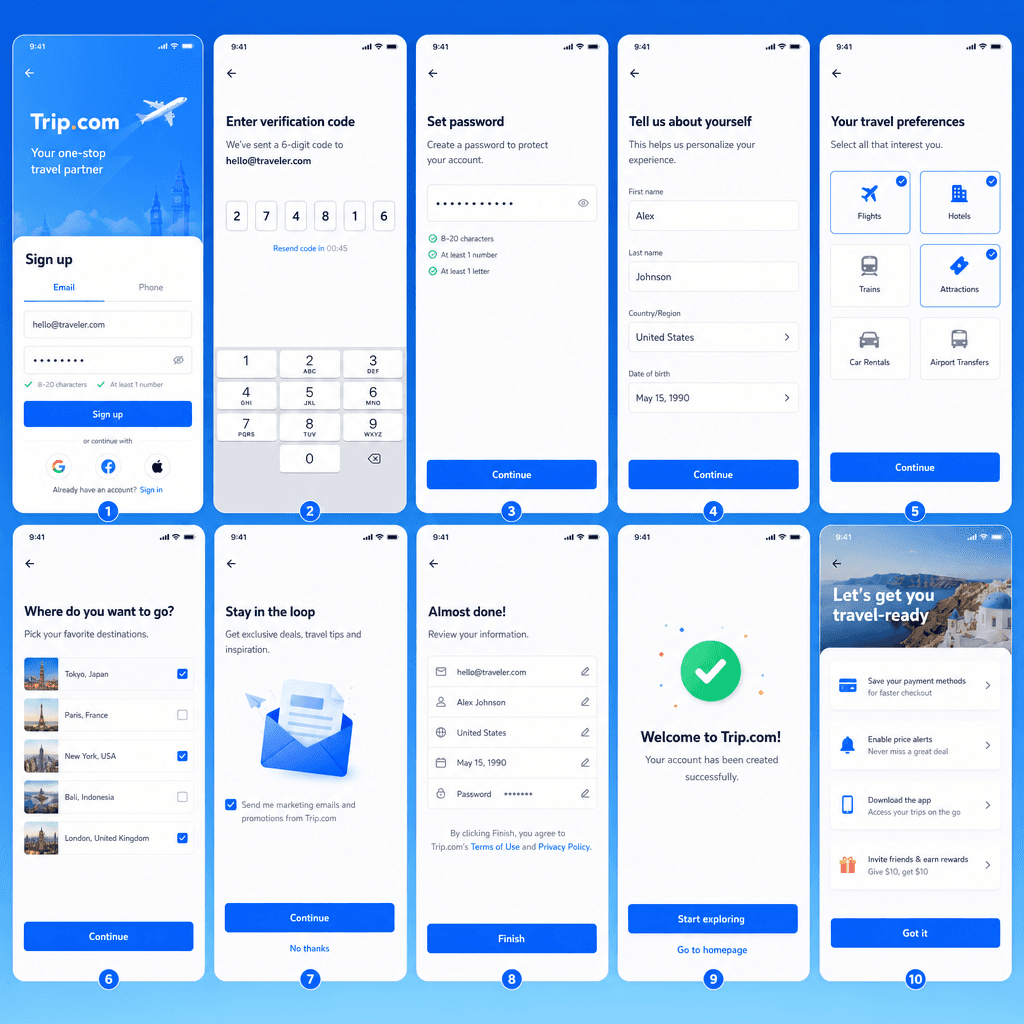
2. Create an account
Open the app and tap Sign Up. Enter your email address or international phone number and verify with the code sent to you.
3. Add your passport
Go to My Account → Traveler Info → Add Traveler. Enter your full name as it appears in your passport, passport number, nationality, and date of birth. This auto-fills all future bookings.
4. Add a payment card
Go to My Account → Payment Methods → Add Card. Trip.com accepts Visa, Mastercard, PayPal, Apple Pay, and Google Pay — no Chinese bank account needed.
Booking Trains
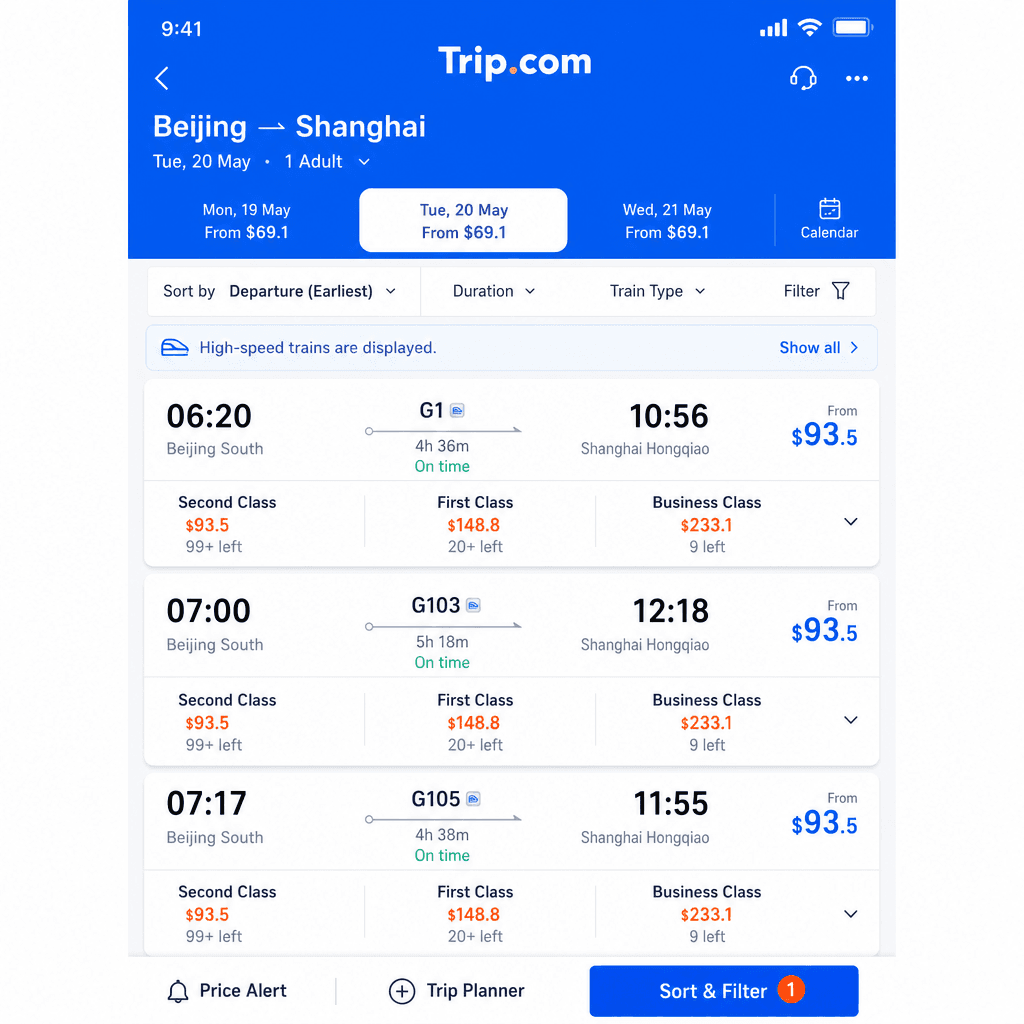
1. Open the Trains section
Tap 'Trains' on the home screen. Select 'China' as the country.
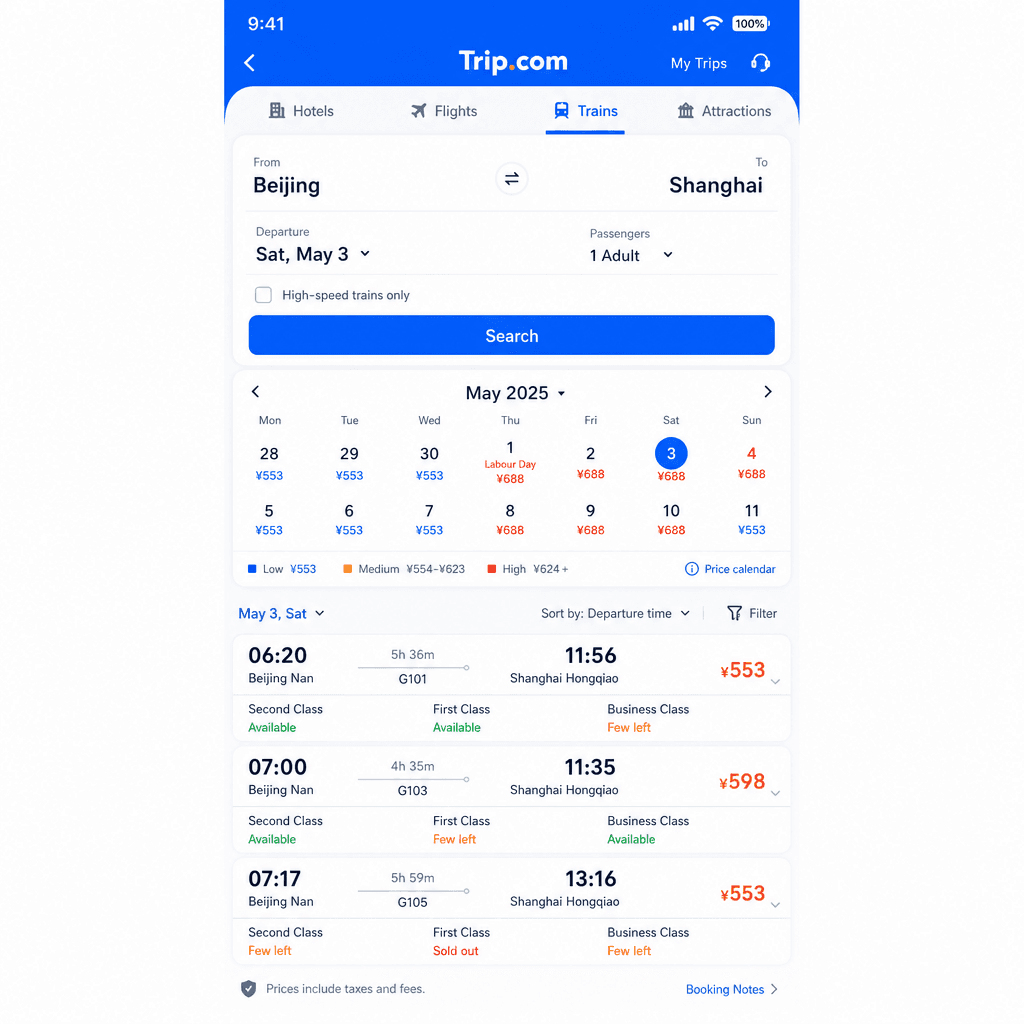
2. Search your route
Enter departure city, destination city, and travel date. The app shows all available trains with price, duration, and seat class options.
3. Choose a train and seat class
Second Class is the standard option. First Class has wider seats. Business Class on G-trains is near-luxury. Tap your preferred option.
4. Enter passenger details
Select your saved traveler profile or enter your passport details manually. Add travel companions the same way.
5. Pay with your foreign card
Choose Visa, Mastercard, or PayPal at checkout. You'll receive a QR code by email — show your passport and the QR code at the station to board.
Booking Hotels
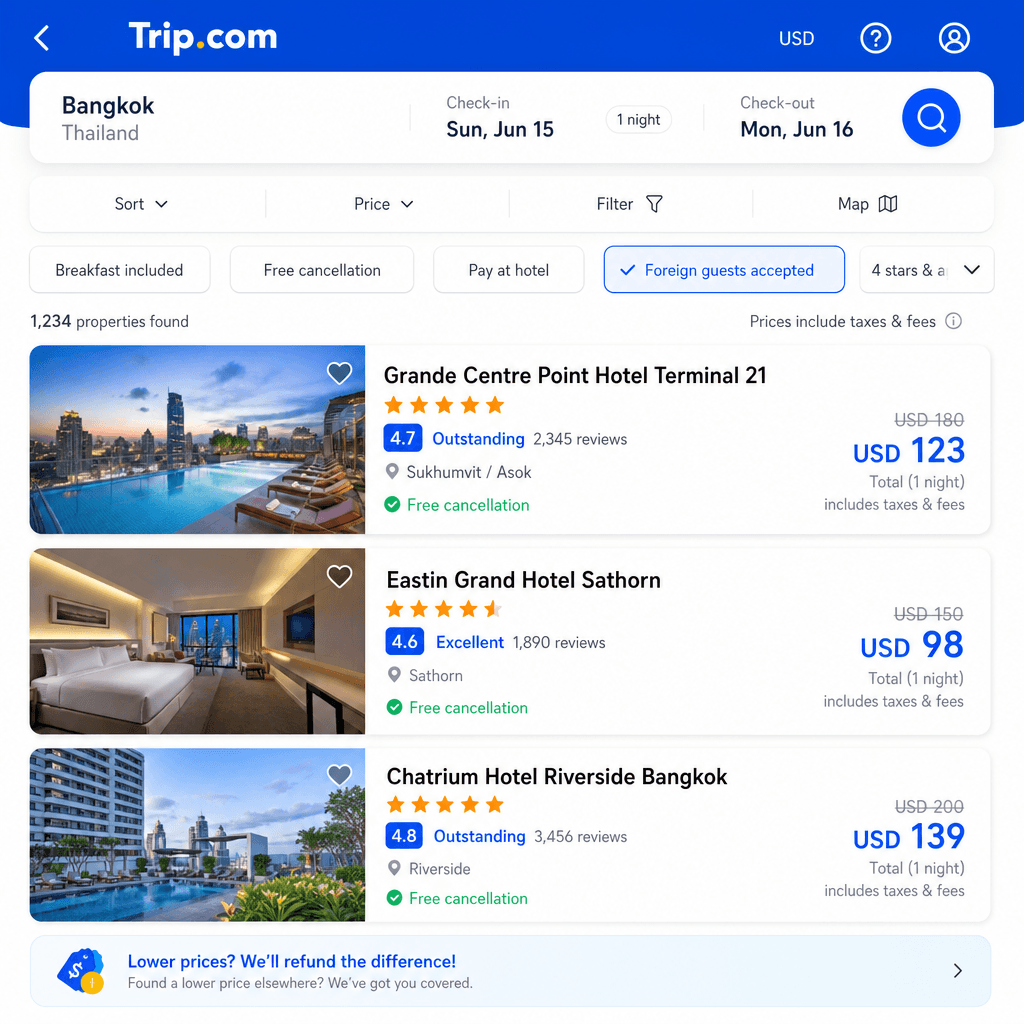
1. Open Hotels and search
Tap 'Hotels', enter your destination and dates.
2. Filter for foreigner-friendly properties
Tap Filter → Facilities → toggle 'Foreign Guests Accepted'. This shows only hotels with police permission to register foreign passports — a critical filter.
3. Book and pay
Select your room and pay with your international card. Confirmation arrives by email within minutes.
Usage Tips
- Peak season booking: Book 15 days in advance for Chinese New Year (Jan–Feb) and National Day (Oct 1–7). Off-peak, 3–7 days ahead is usually fine.
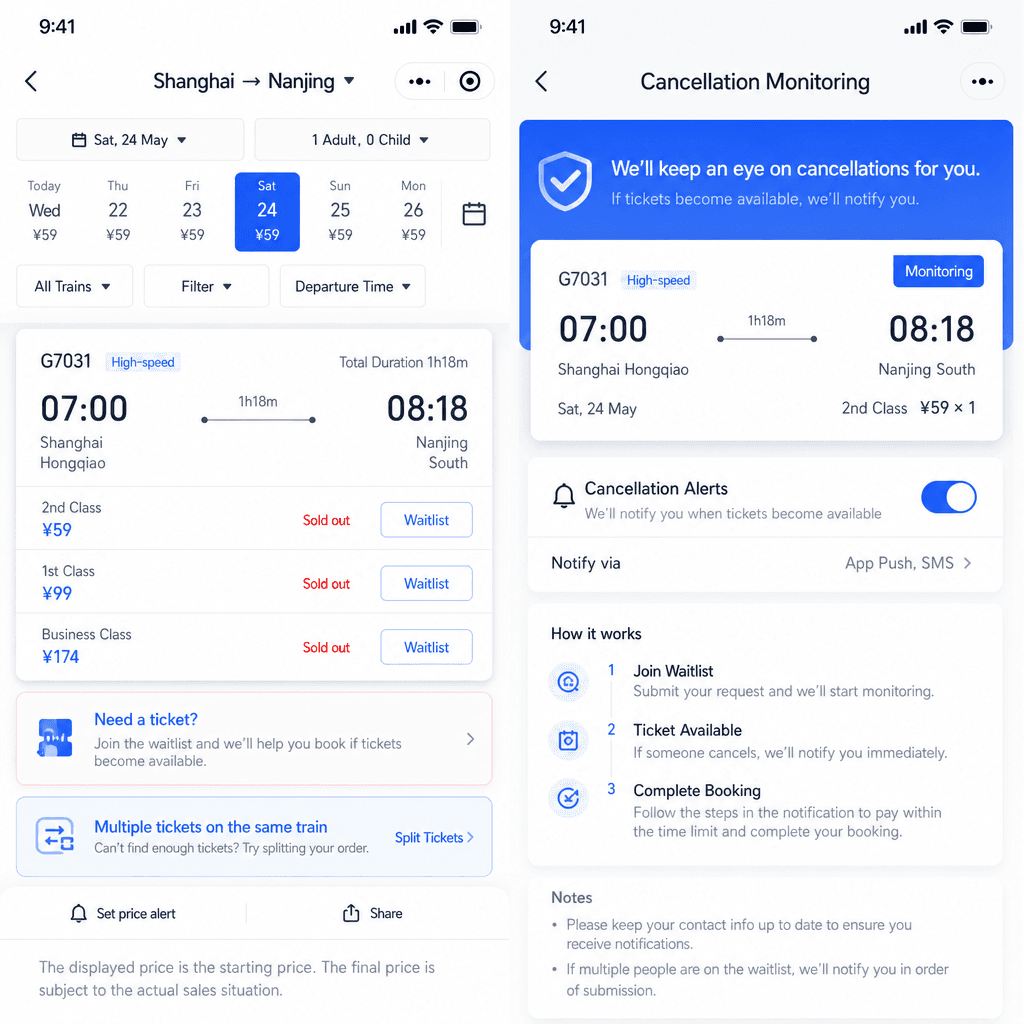
- Sold-out trains: Trip.com monitors cancellations automatically — if a ticket opens up, it grabs it for you.
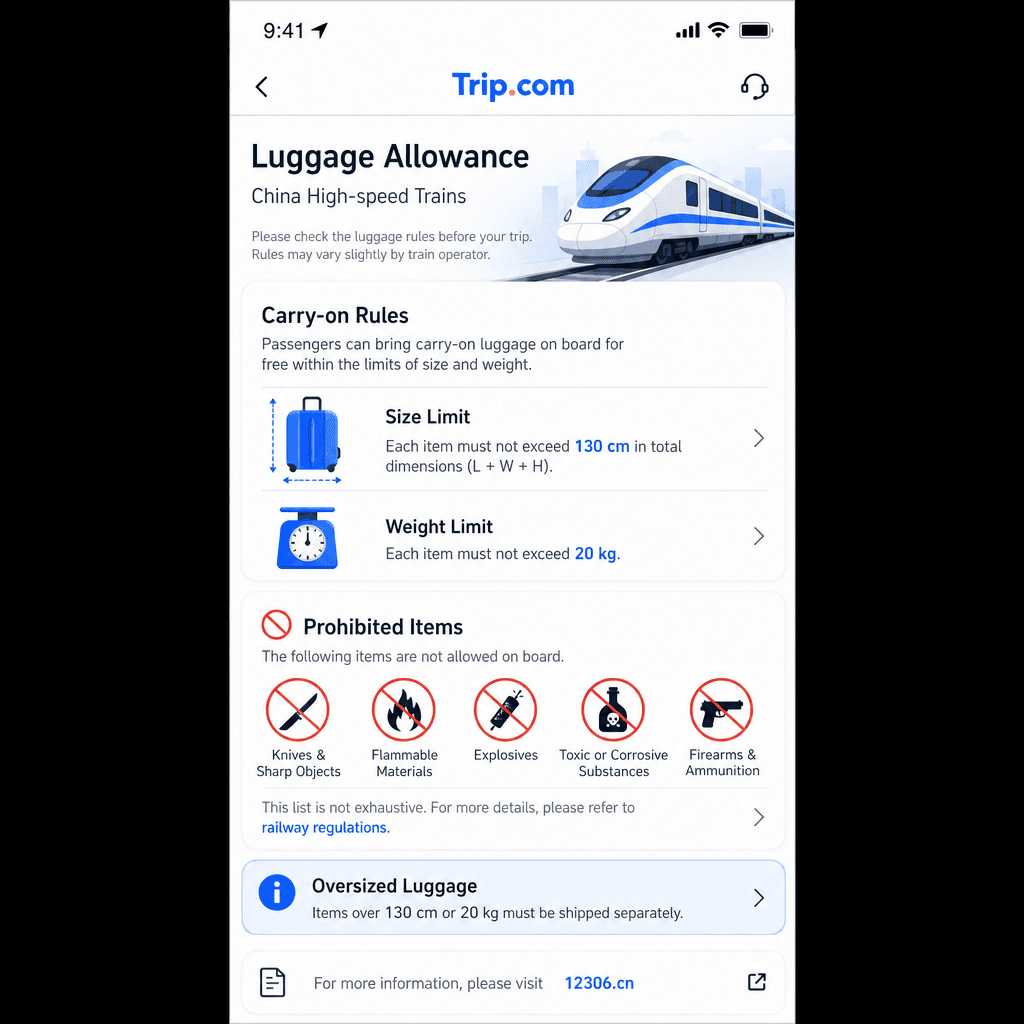
- Luggage on trains: Free allowance is 20 kg; total item size cannot exceed 130 cm. Larger bags must be checked.
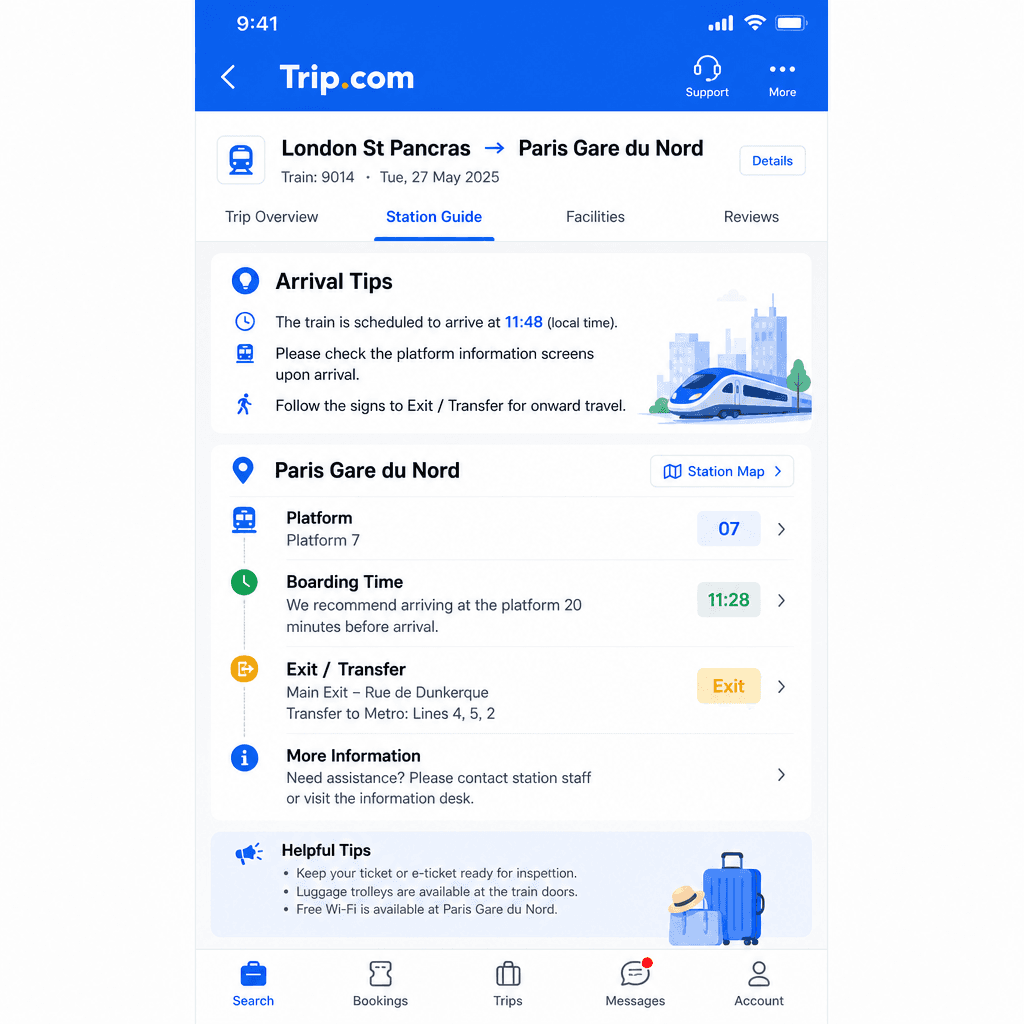
- Arrive early: Allow 30–60 minutes at major stations for security and finding your platform.
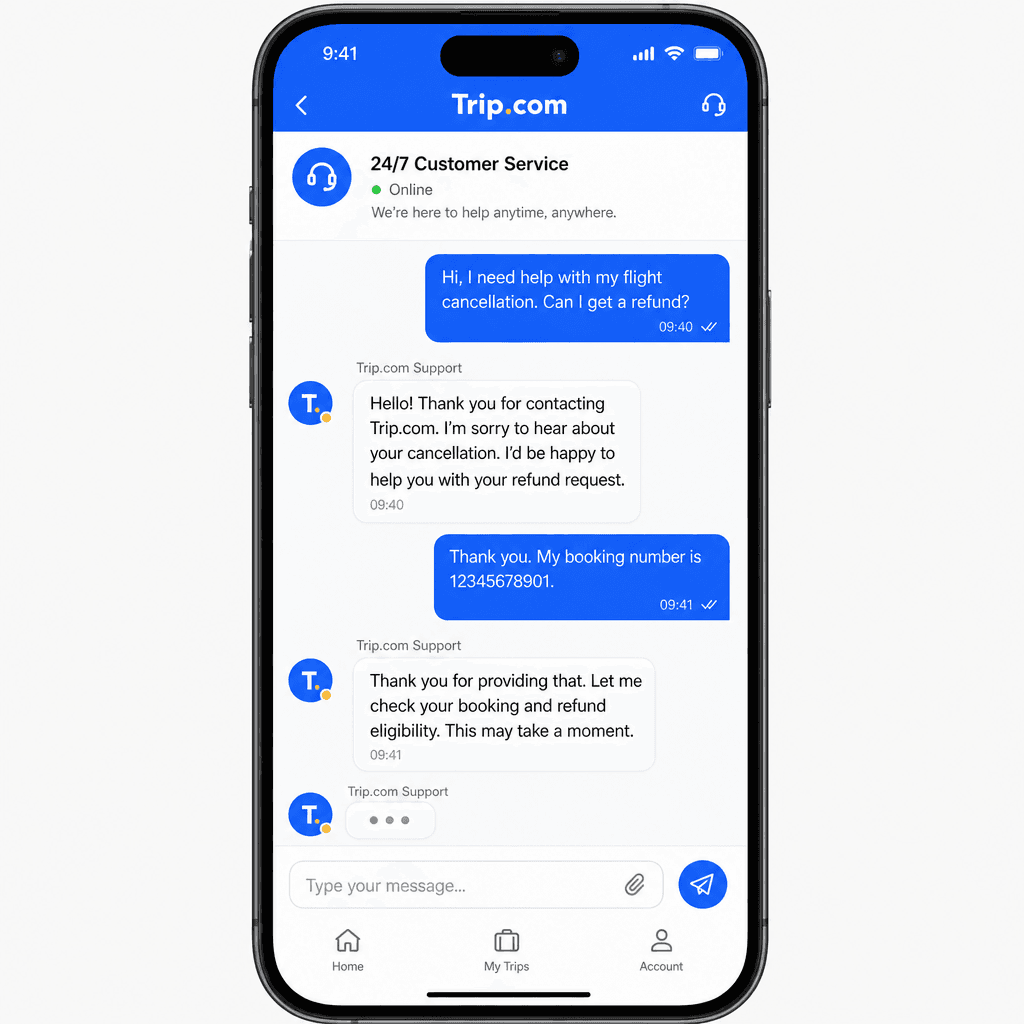
- English support: Reach Trip.com's 24/7 English team via My Account → Customer Service → Chat. Response time is typically under 5 minutes.
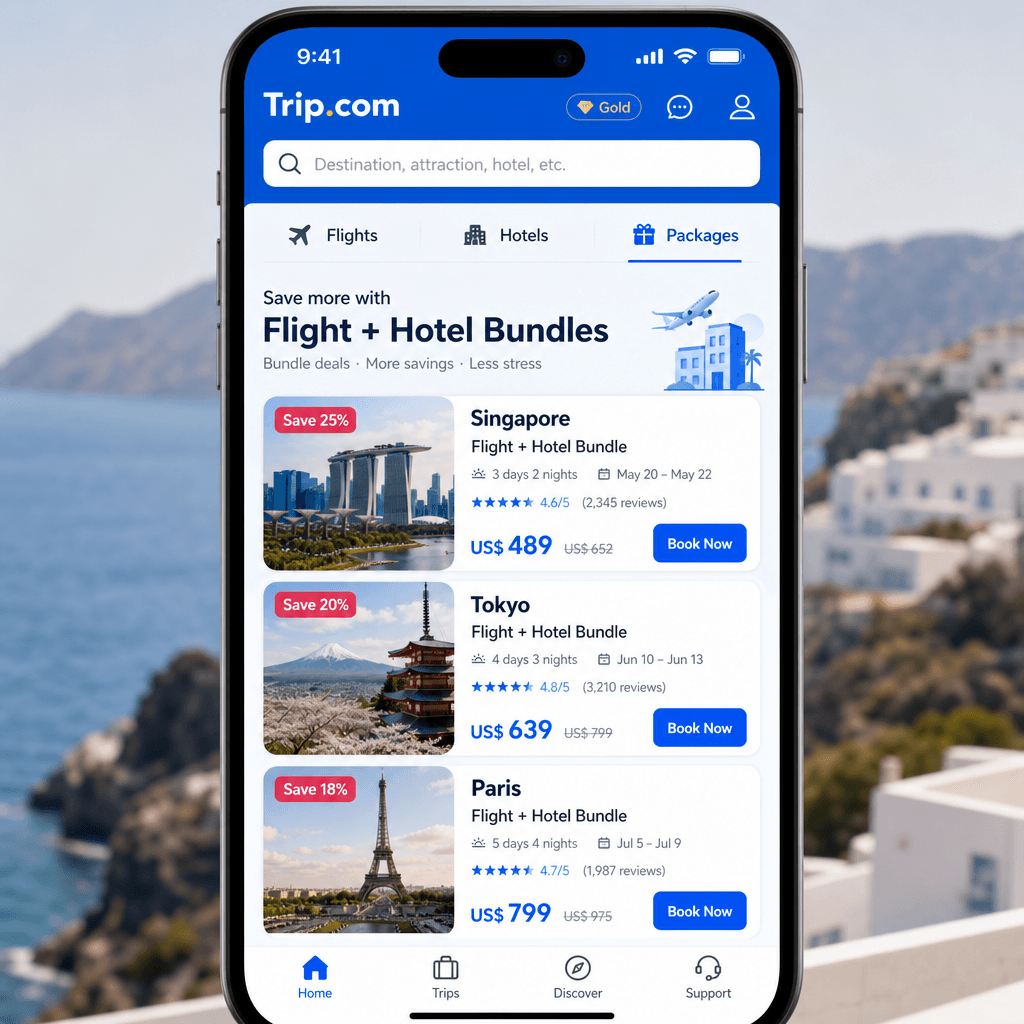
- Bundled bookings: Trip.com often offers discounts when you bundle hotel + flight or hotel + train in a single booking.
Troubleshooting
Card declined? Your home bank may have flagged the transaction as suspicious. Call your bank's international line before traveling and let them know you'll be using Trip.com for China bookings. Then retry.
Hotel won't accept my passport? Only book properties listed as "Foreign Guests Accepted." If a hotel still refuses, contact Trip.com customer service — they will call the hotel directly on your behalf and resolve it.
Train ticket not in My Orders? Check your email for the booking confirmation. If payment went through but the ticket isn't showing, contact support immediately — they can retrieve or reissue the e-ticket.
Passport auto-fill not working? Make sure your traveler profile under My Account → Traveler Info is saved with your exact passport name (including middle names). Mismatches cause booking failures on name-verified rail tickets.